

How to Choose Backlit Film Printing for Lightboxes
Quick Summary
Backlit film printing is printing graphics onto a translucent film that sits in front of a light source so the image glows from behind. Choose a satin or matte polyester or vinyl base suited to lightboxes, and confirm the display is backlit before ordering.
- Confirm the display is illuminated from behind, since backlit film needs a light source.
- Our Backlit Poster uses 8 mil film with a satin finish and a 50-inch maximum width.
- Build artwork at finished size, because light exposes soft edges and banded gradients.
- Flatten transparency and rasterize glows before export to avoid rendering differences.
- Request a printed test strip on the actual film before approving a full run.
Table of Contents
- What Backlit Film Printing Is and Where It Fits
- Backlit Film Printing for Lightboxes: Media, Thickness and Printing Technology
- Backlit Film Print Resolution and Artwork Preparation
- Backlit Film Installation, Handling and Troubleshooting
- Backlit Film vs. Fabric: Which Display Suits Your Booth or Store
- Getting a Backlit Film Quote for Your Next Display
- Frequently Asked Questions
What Backlit Film Printing Is and Where It Fits
Backlit film printing is the process of printing graphics onto a translucent, light-transmitting film that sits in front of a light source, so the image glows from behind.
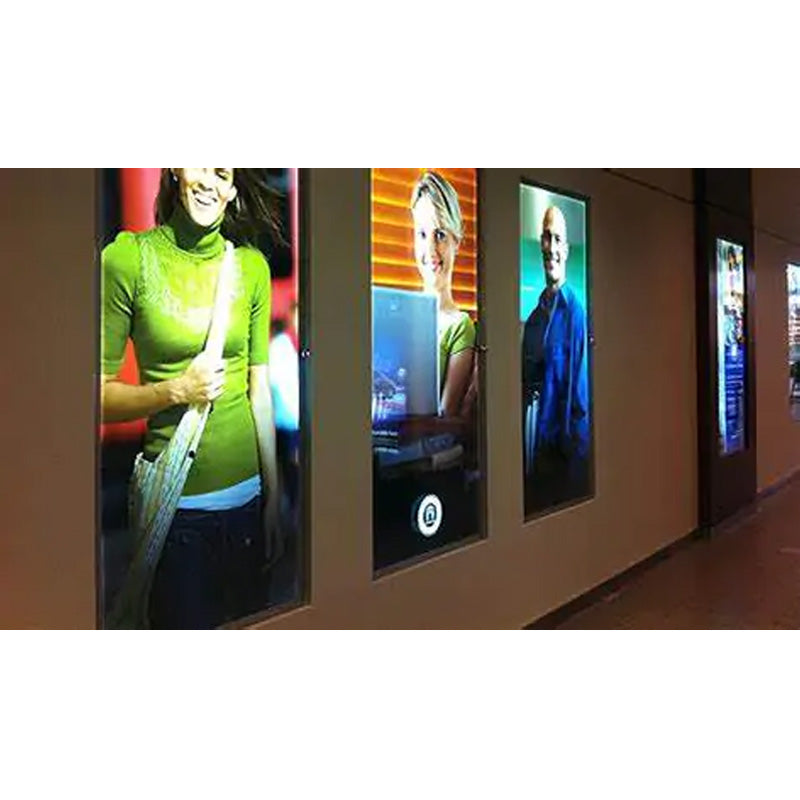
Backlit film works best where light is the point: lightboxes, retail window panels, office reception walls, transit shelters and trade show graphics all rely on the glow to draw attention. You can buy Backlit Film directly in the sizes your display needs.
Backlit Film Printing for Lightboxes: Media, Thickness and Printing Technology
Choosing the right backlit film is the first real decision: the media determines brightness, color hold and durability. Our Backlit Poster / Backlit Film product uses 8 mil backlit film with a satin finish and a 50-inch maximum media width.
Frontlit versus backlit media and single- versus double-sided printing
Frontlit media is opaque and reflects ambient light, so it works on walls and banners lit from the front. Backlit media is translucent and needs a light source behind it, so it is the right choice only in front of an illuminated box or frame.
Single-sided printing suits wall-mounted boxes viewed from the front. Double-sided printing shows the graphic from both directions, useful for freestanding stands in a booth aisle.
UV versus latex printing: pros and cons
| Technology | Strengths | Limitations | Typical best use |
|---|---|---|---|
| UV printing | Sharp detail, vivid color, fast cure | Less flexible on roll media | Rigid lightbox panels, framed displays |
| Latex printing | Flexible, low odor, good for roll media | Slightly softer detail, longer dry time | Roll-up displays, transit and retail graphics |
Ask your print provider which technology they use for backlit film and request a sample on your actual media before committing to a full run.
Backlit Film Print Resolution and Artwork Preparation
Print quality starts with the artwork file, and backlit film is unforgiving because light passes through the image: every soft edge, banded gradient and stray pixel shows once the box is illuminated. Build the file at final print size, in the right color mode, with clean edges.
Resolution and document setup
Build the document at the exact finished dimensions of the visible graphic. Keep logos and text as vectors until final export.
Set document units to millimetres or inches and confirm the finished size against the lightbox opening, not the outer frame. A frame lip commonly overlaps the film by 3 to 6 mm per side, so the true visible area is smaller than the media sheet.
Color mode, profiles and transparency
Ask your print provider which color mode and profile they want before building the file. Many large-format backlit workflows accept RGB and convert to the printer's ink profile at rip time, while others ask for a specific CMYK profile.
Flatten transparency and merge adjustment layers before export, since live transparency and unflattened effects can render differently at the RIP, and a gradient that looks smooth on screen can band once backlit.
Bleed, safe zone and panel splits
Keep critical text, logos and faces clear of the trim edge, because the frame lip and any slight misalignment will eat into the border. For multi-panel lightboxes, add a gutter allowance where panels meet so the seam does not cut through key content.
File formats and handoff
Check with your print provider for their preferred handoff format before sending artwork. Convert text to outlines only as a last resort, and keep an editable layered copy for revisions.
Name files with the job number, panel number and finished size so the print operator can match each file to the correct media and frame position.
A file that looks correct on a monitor can still shift once printed on translucent film, so request a physical proof or a printed test strip on the actual media before approving a full run.
Backlit Film Installation, Handling and Troubleshooting
Installation is where many backlit projects go wrong, and the difference between a clean glow and a blotchy panel usually comes down to handling, seating and tension. Work in a clean area and handle the film by its edges with clean, dry hands.
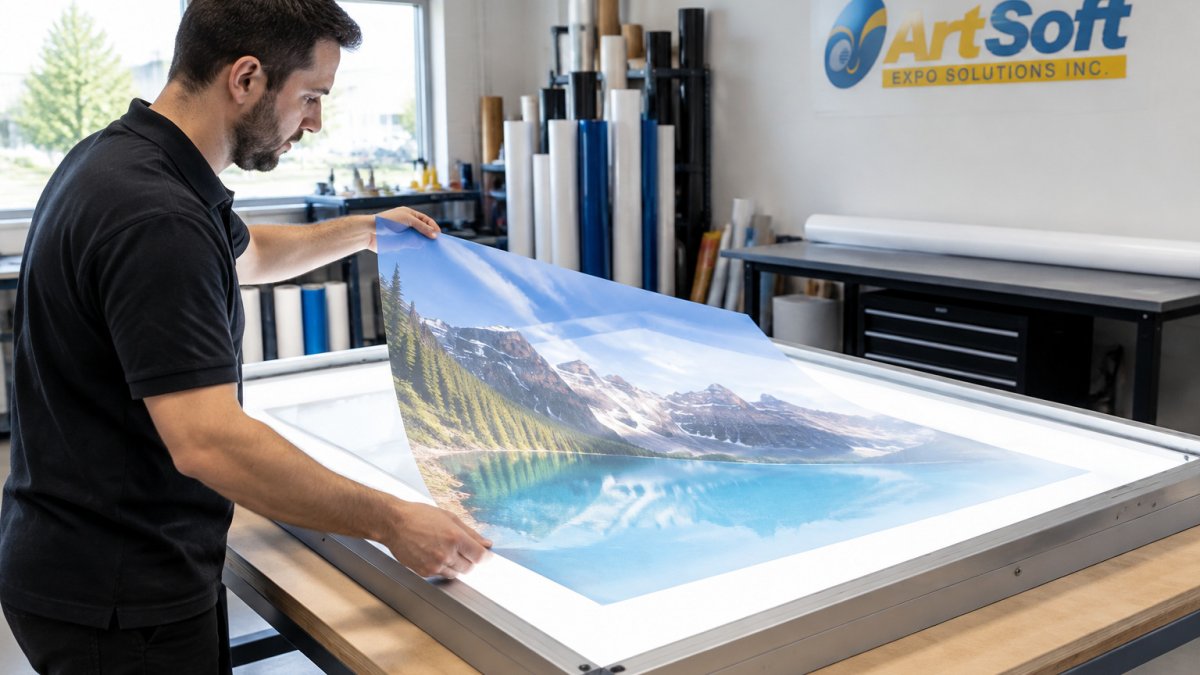
Step-by-step mounting
- Confirm the frame is powered off and the diffuser panel is clean and dry.
- Lay the film face down on a clean, flat surface and check the printed side against the frame orientation.
- For a silicone-edge frame, press the silicone edge into the channel evenly along one side, then work around the perimeter. Do not stretch the film to reach a corner; if the edge will not seat, the panel size or frame channel is wrong.
- For a tension or clip frame, seat the film in the recessed channel and work from the center outward so it seats without wrinkles.
- Reinstall the diffuser and frame lip, power the box on and inspect from a normal viewing distance before final trim.
Avoid over-tensioning. A film stretched hard to close a gap will pull at the edges and can tear at grommets or silicone edges over time, especially in a box that cycles on and off and expands with heat.
Cleaning and maintenance
Dust the illuminated face with a dry microfiber cloth. For fingerprints, use a lightly dampened microfiber cloth with water or a mild, non-abrasive cleaner approved by the media manufacturer, then dry immediately.
Troubleshooting uneven illumination and color shifts
- Hotspots or bright bands: usually uneven LED spacing, a failed strip, or the film pressed against one side of the frame. Re-center the film, check that the diffuser is seated, and inspect the LED layout.
- Dark band along one edge: the film is not fully seated in the channel, or the frame lip is shadowing the edge. Reseat the film and confirm the visible area against the frame opening.
- Washed-out or dull color: the file may have been printed on a different media than the one proofed, or the color profile was mismatched at the RIP. Reprint a test strip on the same media and compare.
- Visible banding in gradients: the source file had live transparency or a low-bit-depth gradient, or the printer pass count was too low for the media. Re-export a flattened file and confirm the print mode with the provider.
- Color shift between panels: panels printed in different runs or on different media lots can drift. Print all panels of a multi-panel job in one run and on one media lot where possible.
Backlit Film vs. Fabric: Which Display Suits Your Booth or Store
Backlit film and fabric lightboxes both produce glowing graphics but serve different needs. Backlit film is a printed sheet in a rigid frame. A SEG Lightbox Stand, for example, pairs a tool-less aluminum frame with custom printed fabric graphics and pre-installed edge lighting.
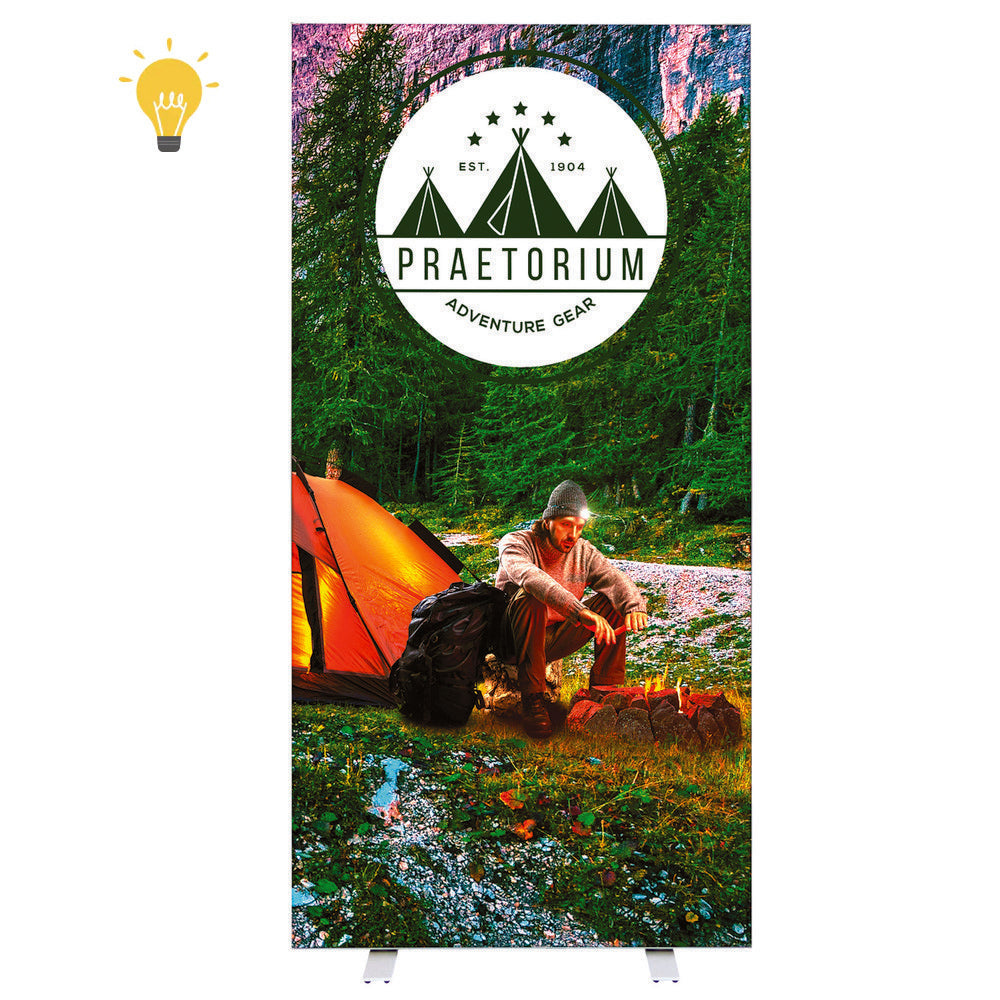
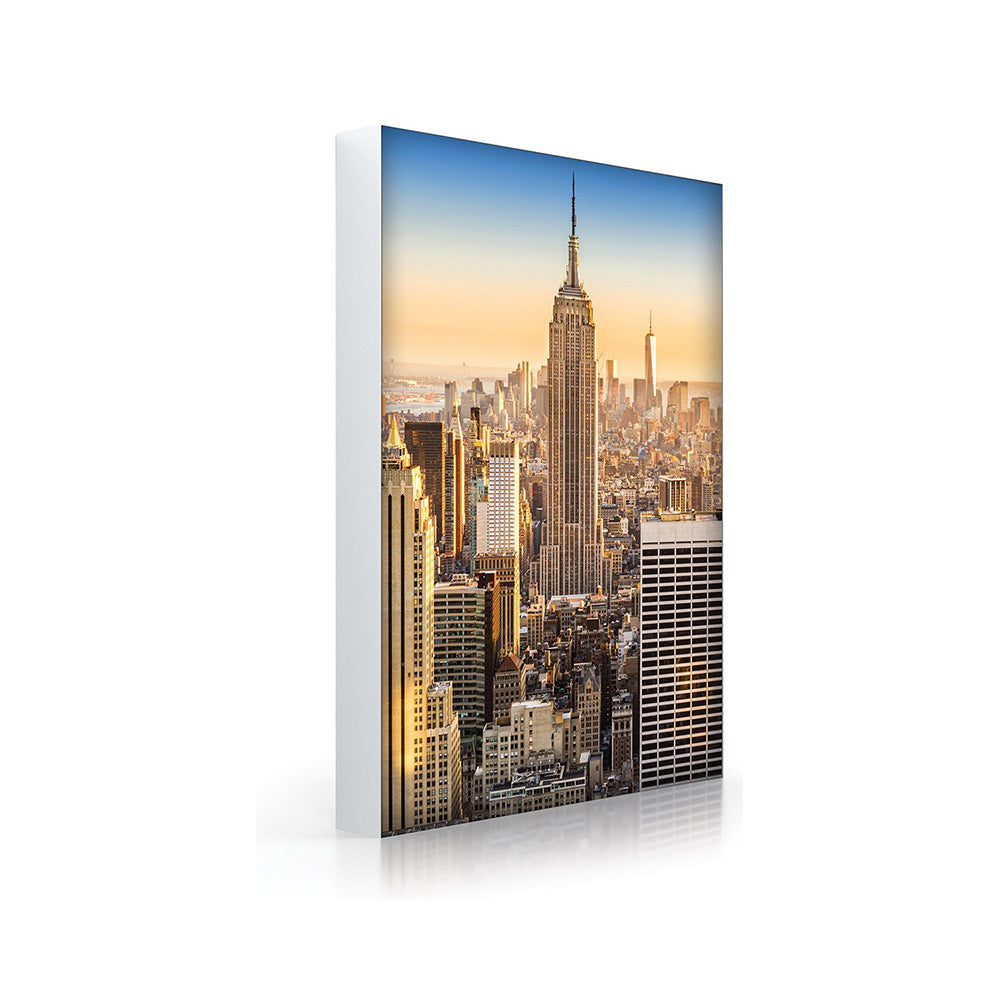
Fabric displays use a stretch-fabric graphic with a silicone edge that presses into the frame. For a deeper comparison of fabric and rigid boards at a show, see Tension Fabric Displays vs Rigid Foam Boards for Trade Shows. The SEG Fabric Lightbox is a wall-mounted and hanging option, and the 24" x 36" LED Lightbox with SEG Graphics is a ready-made option in that size.
Getting a Backlit Film Quote for Your Next Display
Requesting a quote goes faster when you arrive with the basics settled: finished display dimensions, viewing side or sides, intended location (indoor or outdoor), and number of panels. Send your artwork in the file format and resolution described above, and state whether you need a proof.
Ask the provider to break the quote into media, printing and any frame or lighting components so you can compare options fairly. Confirm turnaround time against your event date before ordering.
Frequently Asked Questions
What is backlit film printing?
Backlit film printing is the process of printing graphics onto a translucent polyester or vinyl film so that light from behind the film makes the colours and images glow. The film is typically used in lightboxes, retail signage, office reception walls and transit shelters. Artsoft Expo Solutions Inc. offers backlit poster and backlit film printing in an 8 mil satin finish with a maximum media width of 50 inches, suited to indoor retail and office applications.
What is the difference between backlit film and backlit vinyl?
Backlit film is a translucent polyester or vinyl material designed specifically to be illuminated from behind, which makes it ideal for lightboxes and illuminated displays. Backlit vinyl is a similar product but is often thicker and more opaque, and is generally used for vehicle wraps and banners where light transmission is less important. For a lightbox, choose a film rated for backlighting, since it will transmit light evenly and keep colours vivid. Confirm the media thickness and finish with your printer before ordering, as these change how much light comes through.
Is backlit film waterproof and how long does it last?
Backlit film is durable and weather resistant, and it can be used indoors or outdoors, but it is not a substitute for a sealed outdoor enclosure. Printed backlit film resists moisture and handling well in dry indoor environments such as retail stores, offices and trade show booths. Long-term exposure to direct sunlight, heat and humidity will fade colours and can degrade the material over time. For longer outdoor service life, pair the print with a weatherproof lightbox and protect it from prolonged direct sun. Ask Artsoft Expo Solutions Inc. about the right media for your installation environment.
Can backlit film be used in any lightbox?
Not every lightbox is compatible with backlit film. The frame must be designed to hold the film taut, and the light source must provide even illumination across the full face of the print. Silicone-edge (SEG) systems, such as the SEG Lightbox Stand and the SEG Fabric Lightbox from Artsoft Expo Solutions Inc., are built to hold backlit graphics with silicone edges pressed into recessed grooves. Before ordering a print, confirm the exact dimensions of your lightbox frame and the template size it accepts, so the graphic fits without wrinkles or gaps.
